
Gift Cards
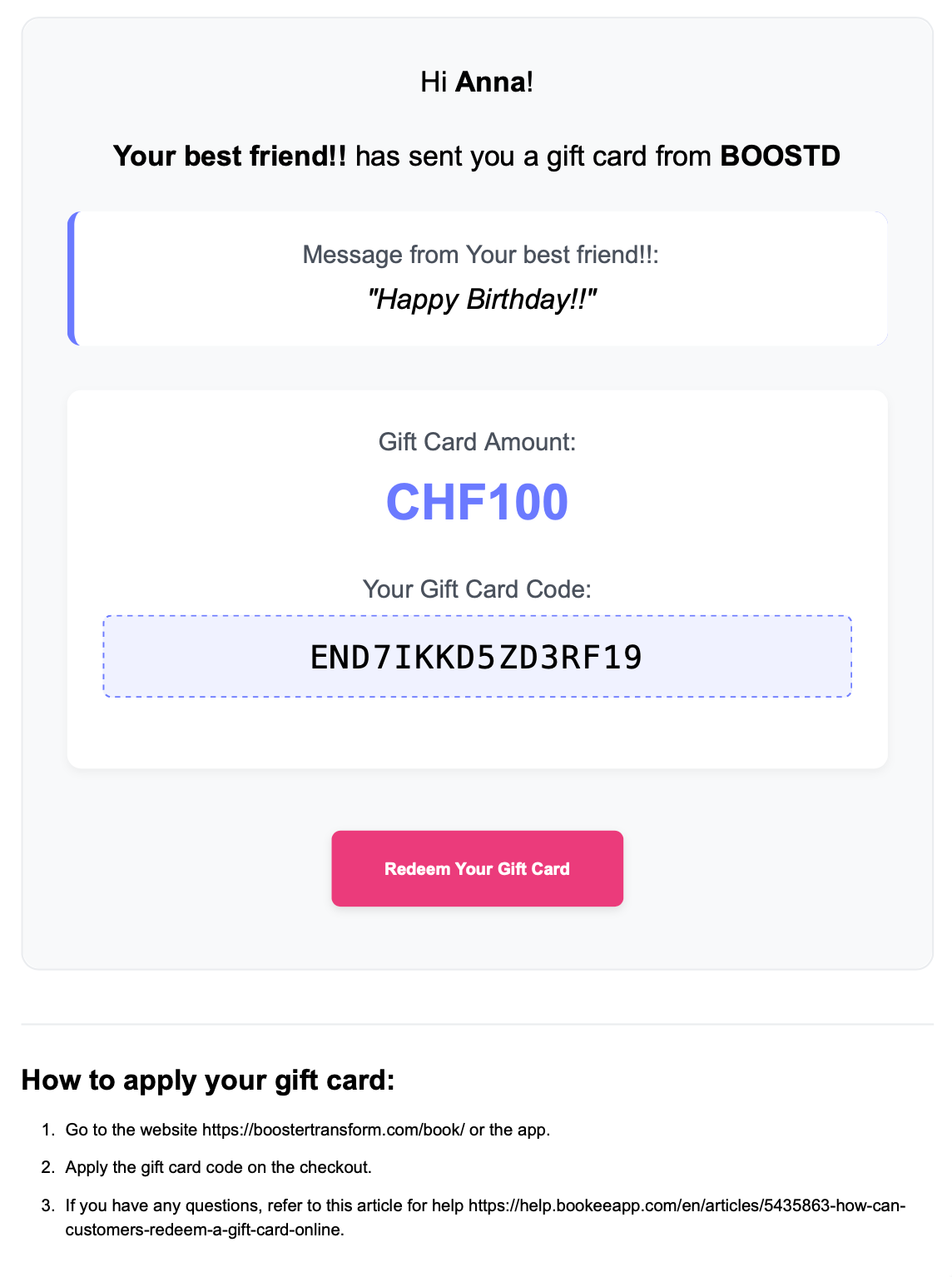
Looking for a thoughtful way to treat a friend, loved one, or fellow Boostd fan? You can easily purchase and send digital gift cards through our website or mobile app.
You choose the amount, add a personalised message, and schedule the delivery for the date and time of your choice. The recipient will receive the gift card by email — ready to use whenever they like.
If the recipient already has a Boostd account and you use the same email address associated with their account, the gift card amount will be automatically credited. Otherwise, they can simply redeem the gift card by entering the code at checkout.
Want a printable gift card?
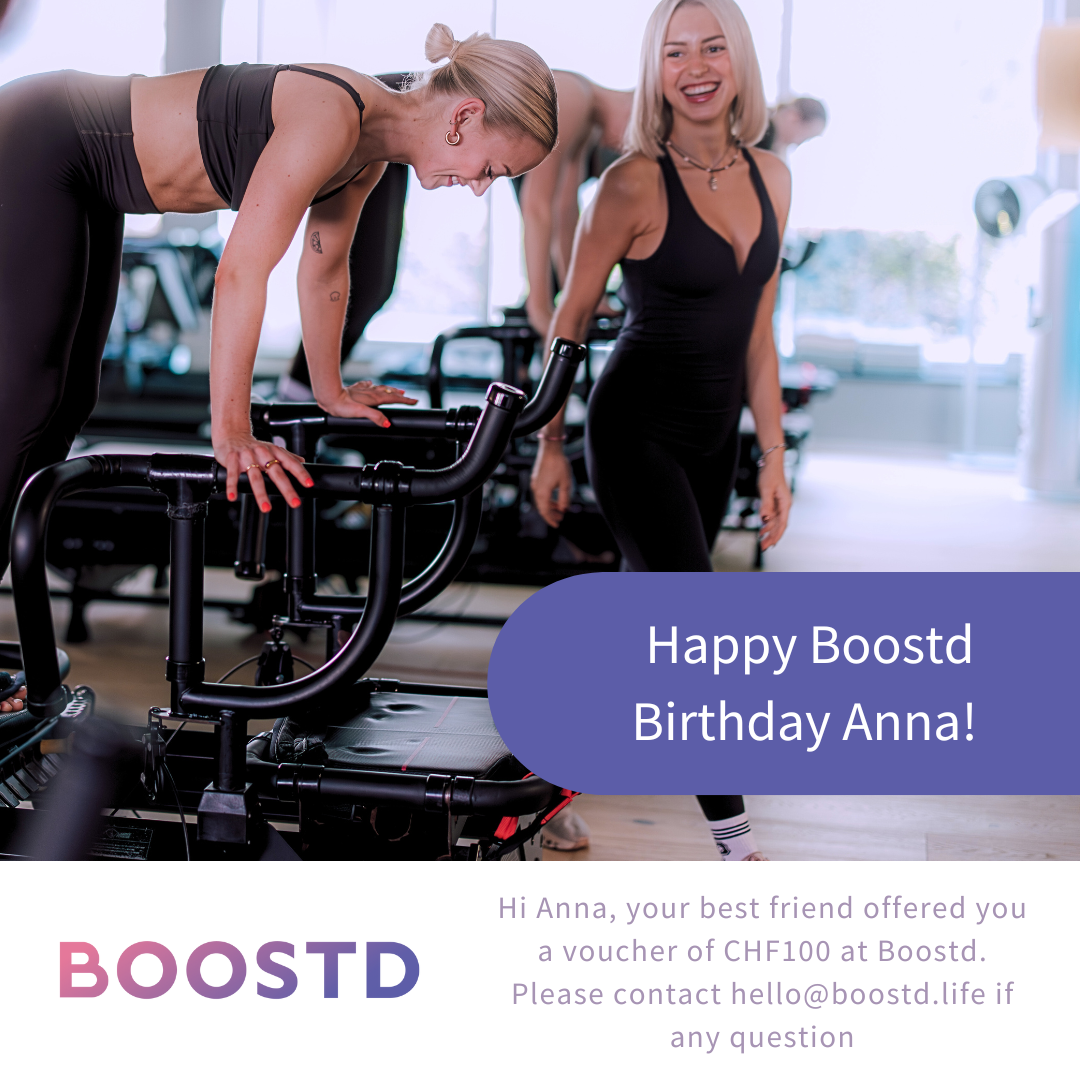
We can also provide a PDF version of your gift card, perfect for printing and handing over in person.
Simply email us at hello@boostd.life after completing your purchase online.
The PDF version of the gift card would look like this:
Prefer to pay by invoice?
a Gift Card
1. Log in to your Boostd account on our website or app. (If you don’t have an account, you can create one in just a few clicks.)
2. Website: Click on Book/Buy, then select Gift Cards from the left-hand menu.
App: Tap on Purchase, then select Gift Cards.
3. Choose an amount for your gift card
4. Enter the details:
– Recipient’s name and email
– Optional personal message
– Preferred delivery date and time (default is “now”)
5. Proceed to checkout, enter your payment details, and confirm your purchase
How to Redeem a Gift Card
Please note:
- Gift cards can be used by anyone who has the code, until redeemed
- If the purchase exceeds the gift card balance, the remaining amount will be charged to the user’s saved payment method
- The balance can be used across multiple purchases until it runs out
How to Check a Gift Card Balance
You can check your balance anytime after a gift card is used for a purchase:
- On the website: Go to My Account > Payment Methods > View Saved Cards & Gift Cards
- In the app: Go to your Profile > Payment Methods